How To Remove Bios Password In Hp Laptop Using Cmd. Put it back afterwards. At this moment you will be asked to type a password for the user.
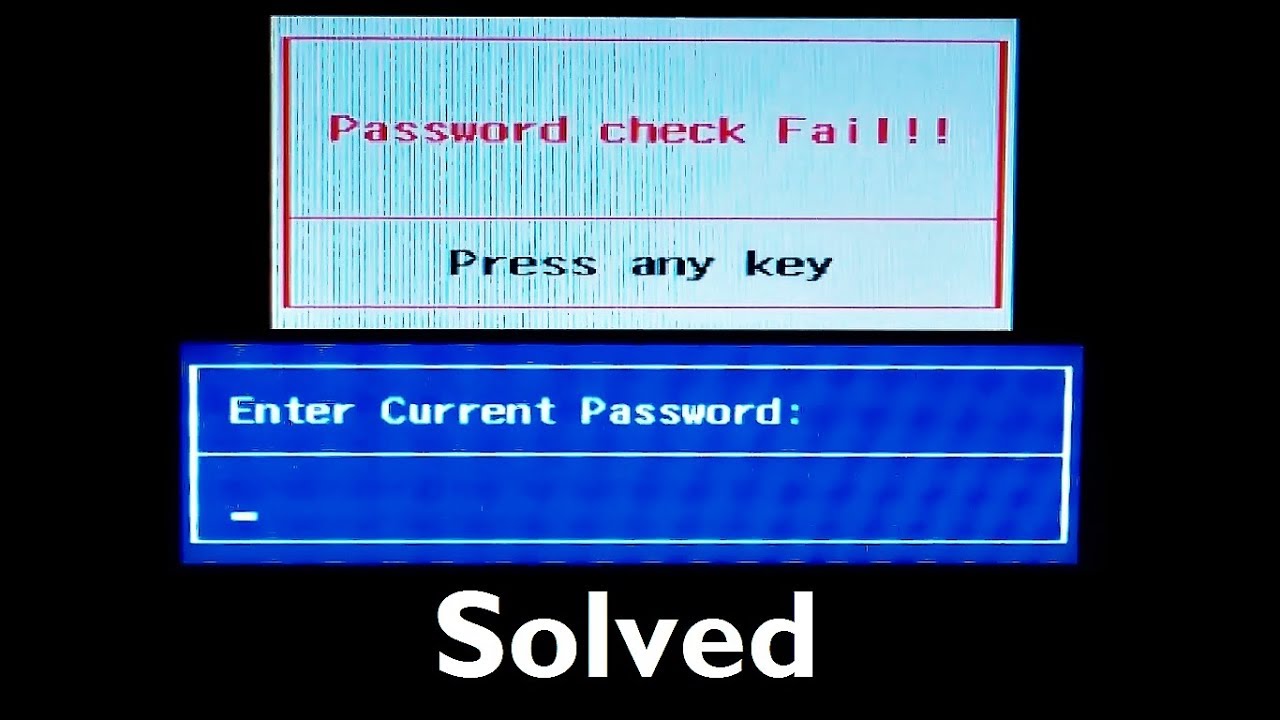
Once the system is completely turned off remove the CMOS Battery. Use a BIOS Tool to decrypt the password. Enter the following commands.
The Debug command can be executed from booted Windows Command Prompt or from FreeDOS.
How to Reset BIOS Password using SMCbin. Press Enter key to execute the command. You can search command prompt on the search box and then right-click Command Prompt app to run as administrator. Save the attached SMCbin file to a blank USB pendrive.

